AI Product Photography on a Budget: What You Actually Get for the Money
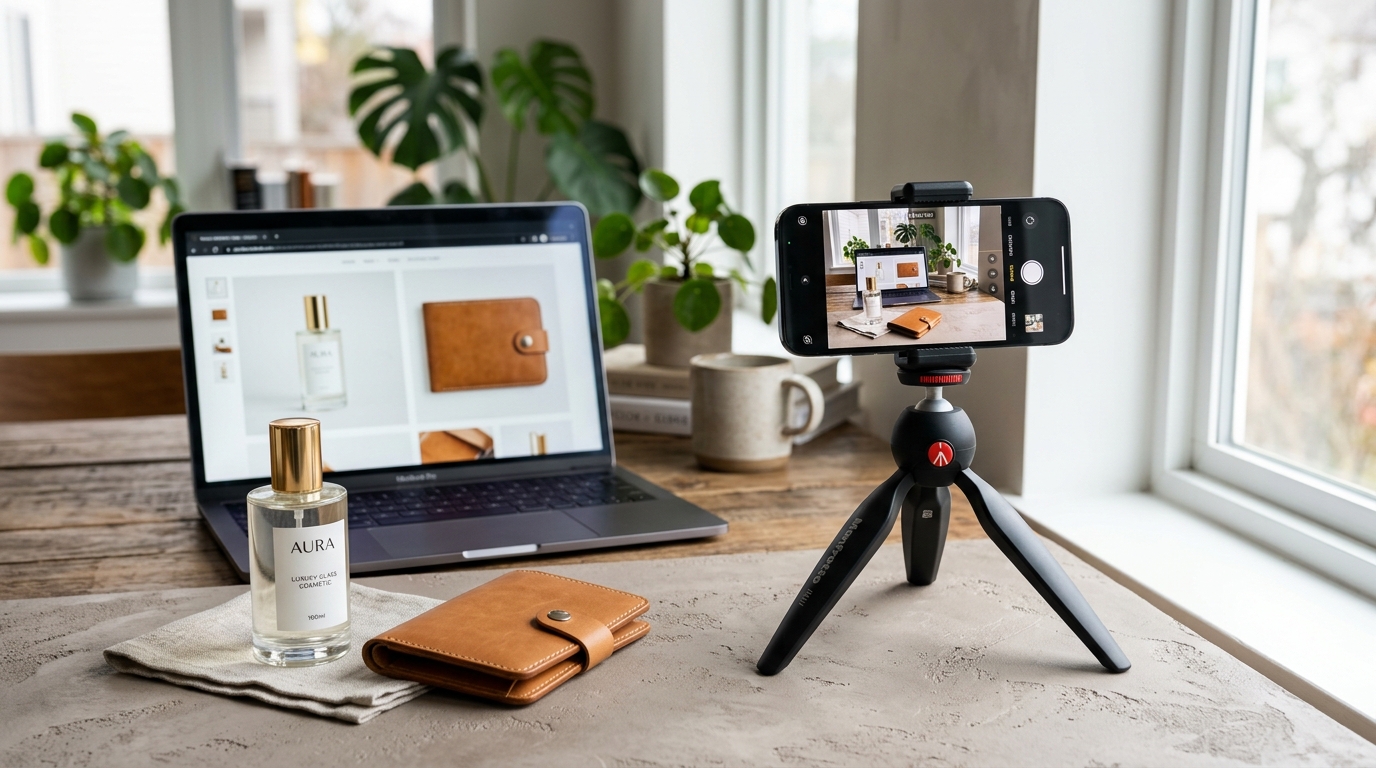
This guide breaks down what "budget" actually means across different photography options, what you give up at each price point, and how to avoid the two failure modes that hurt budget-conscious sellers most: spending money on photos that still look amateur, or spending nothing and losing sales to blurry, inconsistent images.
What "Budget" Really Means in Product Photography
Before comparing prices, it helps to separate the real cost categories, because "budget photography" can mean very different things depending on which one you're solving for:
- Zero-cost DIY photography. Your own phone, natural light, and free editing apps. No cash outlay, but a real time cost, and quality varies a lot based on skill and equipment.
- Freelance or local photographer, low tier. Often the cheapest human option, but availability, consistency, and turnaround vary widely by market and photographer experience.
- Studio photography. The traditional route: a rented space, lighting setup, sometimes a stylist or model, and professional retouching. This is the most expensive tier by a wide margin.
- AI product photography tools. Software that transforms an existing photo into a polished image. Pricing is typically per image or per credit rather than per shoot day, which is what makes it fit a tight budget in the first place.
The right choice usually isn't about which option is objectively "best." It's about which trade-offs your budget can actually absorb.
The Real Cost of a Traditional Shoot (So You Know What You're Comparing Against)
It's hard to judge whether an AI tool is a good deal without knowing what the alternative costs. Traditional product photography pricing varies enormously by market, photographer experience, and whether apparel and models are involved, but the general cost components are:
- A photographer's day rate or per-image fee
- Studio rental, if you don't have your own space
- Props, backdrops, or equipment rental
- A model and stylist, for on-model apparel shots
- Retouching and post-production time
For a small batch of product images, sellers commonly report costs running from a few hundred to a few thousand dollars, with turnaround measured in days to weeks rather than minutes. That's the baseline a "budget" alternative needs to beat, and it's also why so many small sellers have historically gone without professional photos altogether, which hurts conversion more than most people expect.
Where AI Product Photography Fits on the Budget Spectrum
AI photography tools generally sit well below both freelance photographers and studio shoots on a per-image basis, because you're paying for compute and software rather than a person's time, travel, and equipment. Pricing structures vary by platform: some charge per credit, some offer monthly plans with an image allowance, and some price by output resolution.
As one reference point, SocialShot's entry-level Snap plan starts at $2.99 a month for a set number of standard HD on-model images, with additional credits available for higher resolution or higher volume. Because pricing details and plan structures can change, it's worth checking the current pricing page directly before budgeting, rather than relying on any article's numbers indefinitely.
The practical shift for a budget-conscious seller is this: instead of one large, all-at-once expense for a shoot, you get a small recurring cost that scales with how many images you actually need, which is usually easier to plan around when cash flow is tight.
What You Give Up at Each Budget Tier
Every option on the spectrum below "full studio shoot" involves a trade-off. Being honest about what you're trading helps you avoid disappointment later:
| Photography Tier | Estimated Cost | Main Advantage | Key Trade-off |
|---|---|---|---|
| Zero-Cost DIY (Phone) | $0 cash outlay | Free to test immediately | High time cost, inconsistent lighting, difficult on-model drape |
| AI Product Photography | ~$0.10–$2.00 / image | Near-instant turnaround, scalable, studio-grade backgrounds | Requires clean source photo; needs manual QA check against physical product |
| Budget Freelancer | $150–$600 / shoot | Human photographer handling lighting | Wide quality variance, slower turnaround, extra charges for retouching |
| Commercial Studio Shoot | $1,500–$5,000+ / day | Maximum creative control, human nuance, campaign-grade ceiling | Cost-prohibitive for high SKU counts, seasonal runs, or tight cash flow |
Free DIY photography costs nothing but your time, and results depend heavily on your lighting, camera, and editing skill. It's a reasonable starting point, but it rarely matches the polish of a studio or AI-generated image, and consistency across dozens of products is hard to maintain by hand.
AI photography tools cost very little per image and are fast, but the output is only as good as your source photo, and every generated image needs a manual accuracy check before publishing. Fine details like embroidery, complex patterns, or unusual textures can occasionally come out slightly off, so review matters more here than with a real camera.
Budget freelance photographers vary widely in quality and reliability, and low rates sometimes mean long turnaround times or limited retouching included.
Full studio production delivers the most creative control and the highest ceiling for hero and campaign imagery, but it's the most expensive option by far and the least practical for a growing catalog on a limited budget.
A Practical Budget Workflow Using AI Photography
- Shoot your own source photos first, using natural window light and a plain background. This step is free and directly determines your output quality (see our step-by-step AI product photo guide for source lighting and capture tips).
- Sort products by priority. Your best sellers and newest listings deserve the most attention; older or lower-margin SKUs can use a simpler treatment.
- Start with the lowest-cost output tier (standard HD rather than 4K) for everyday listings, and reserve higher resolution for hero images or print use.
- Batch similar products together if your tool supports bulk generation (Bulk Photoshoot), since applying one consistent style across a group is typically more efficient than generating images one at a time.
- Review every image against the real product before publishing, checking color, logo placement, and any fine detail that matters to buyers.
- Reuse a consistent visual style across your catalog so your store looks cohesive without paying for a fresh creative concept every time.
Common Budget Mistakes That Cost More Later
- Uploading a blurry or poorly lit source photo to save time, then generating multiple images from it that all need to be redone.
- Skipping the review step and publishing a color-inaccurate or distorted image, which can lead to returns or marketplace disputes.
- Paying for 4K exports on every single image when standard HD is sufficient for most listing and social use cases.
- Chasing the cheapest possible photographer without checking their portfolio, which can mean paying twice: once for the shoot, once to fix it.
- Not keeping the original source photos, which makes it harder to regenerate or update images later without starting over.
When Spending More Is the Better Budget Decision
Staying cheap isn't always the most cost-effective move. It's usually worth spending more when:
- You're photographing a flagship product that anchors your brand and will be reused across ads, packaging, and your homepage for a long time.
- The product has fine physical detail, like gemstone clarity or fabric weave, that buyers specifically need to evaluate before purchasing.
- You're entering a marketplace category with strict, detail-sensitive image review, where a rejected listing costs you more time than a slightly higher photography budget would have.
- You have the volume to justify a small annual studio day for hero shots, supplemented by AI-generated images for the rest of the catalog.
A hybrid approach — one modest traditional shoot a year for flagship images and AI photography for the ongoing catalog — is often the most budget-efficient setup for a growing small business (see our AI product photography vs. traditional studio breakdown for exact allocation models).
Marketplace and Platform Considerations on a Budget
Cutting your photography budget doesn't mean you can cut corners on compliance. Marketplaces publish their own image requirements, and these can differ by category, by country, and can change over time, so always confirm the current rules before publishing. As a general pattern from Amazon's published seller guidance, main product images commonly need a pure white background, no props or watermarks, and the product filling a large majority of the frame. Secondary images typically allow more flexibility for lifestyle or detail shots.
Getting these specs wrong doesn't just look unprofessional, it can get a listing suppressed, which costs far more in lost sales than the photography itself would have. Most AI photography tools, including SocialShot, format images for common marketplace requirements, but final approval always rests with the platform, so it's worth a final manual check before you publish anything (explore our ecommerce product photography guide for multi-channel strategy).
How SocialShot Fits a Tight Budget
SocialShot's pricing is built around the same problem this article is about: getting usable, professional-looking images without a studio-sized budget. The Snap plan starts at $2.99 a month for a set allowance of standard HD on-model images, which suits a seller who's just building out a catalog and doesn't want to commit to a large upfront spend. If you're managing more SKUs than you can generate one at a time, bulk product photography applies one consistent style across a full batch, which tends to be more time- and cost-efficient than processing images individually.
As with any AI photography workflow, check each generated image against your real product, especially for color accuracy and any fine detail, before it goes live.
Professional product photos starting at $2.99/mo
Turn phone photos into studio-grade marketplace images, styled scenes, and on-model shots with SocialShot AI.
Frequently Asked Questions
Can I really get professional-looking product photos for just a few dollars a month?
For everyday listing and social images, yes, provided your source photos are clear and well-lit and you review each output before publishing. Flagship campaign imagery or products with highly detailed physical texture may still benefit from a traditional shoot.
Is free DIY photography good enough, or should I pay for AI tools?
Free DIY photography can work if you have decent natural light and a steady hand, but it's hard to match the polish and consistency of AI-generated images across a growing catalog, especially for on-model apparel shots.
What's the cheapest way to get on-model photos without hiring a model?
AI photography tools that generate on-model images from a flat lay or product-only photo are typically the lowest-cost option, since they remove model, stylist, and studio fees entirely. Review the fit and drape in the output, since these can occasionally look slightly off compared to a real photoshoot.
Will budget AI photos hurt my brand's credibility?
Not if the output is reviewed for accuracy and matches your product truthfully. The bigger credibility risk is usually inconsistent or low-quality photos, whichever method produced them, not the fact that AI was involved.
How do I know when to stop trying to save money on photography?
When a listing keeps underperforming despite good copy and pricing, when a marketplace flags recurring image issues, or when you're about to invest heavily in a flagship product launch, that's usually the signal to spend more on that specific image rather than the whole catalog.
Does AI product photography work for categories other than fashion?
Many AI photography platforms, including SocialShot, support a range of categories beyond apparel, such as accessories, footwear, beauty, and jewelry. Check the specific platform's supported categories before committing, since capability can vary by tool.