Loading…
Compare · vs Canva
SocialShot vs Canva: generate photos, don't just lay them out
Canva is a fantastic design tool, templates, layouts, and light editing for assets you already own. But it can't create the product photography in the first place. If you only have a flat-lay, Canva can't put your dress on a model or build a studio scene around your handbag.
SocialShot starts a step earlier: it generates the actual on-model and studio product imagery from a single upload, then you can take those results into any layout tool. They're complementary, but for producing the photography itself, they solve different problems.
How SocialShot compares to Canva
A side-by-side look at where each tool fits.
| Feature | SocialShot | Canva |
|---|---|---|
| Creates product photography | Yes, generates on-model & studio shots from a flat-lay | No, edits and lays out photos you already have |
| On-model imagery from a flat-lay | Yes | No, needs an existing photo to edit |
| Marketplace-ready output | White-background & PDP images included | Requires manual layout per image |
| Ad & campaign creatives | Generated from the same upload | Limited to templates on existing assets |
| Best for | Producing the photography itself | Adding text, layouts, and design to finished images |
Why sellers choose SocialShot over Canva
Creates, not just composes
SocialShot generates new on-model and studio shots; Canva arranges images you already have.
No source shoot needed
Turn a flat-lay into model photography, Canva still needs you to supply that photo.
Marketplace-ready output
Compliant white-background and PDP images come out of the box, ready to list.
Use them together
Generate in SocialShot, then add copy and layouts in Canva if you like, no conflict.
Real photos win the click.
socialshot vs canva shouldn't take a studio or two weeks.
Real output, not stock
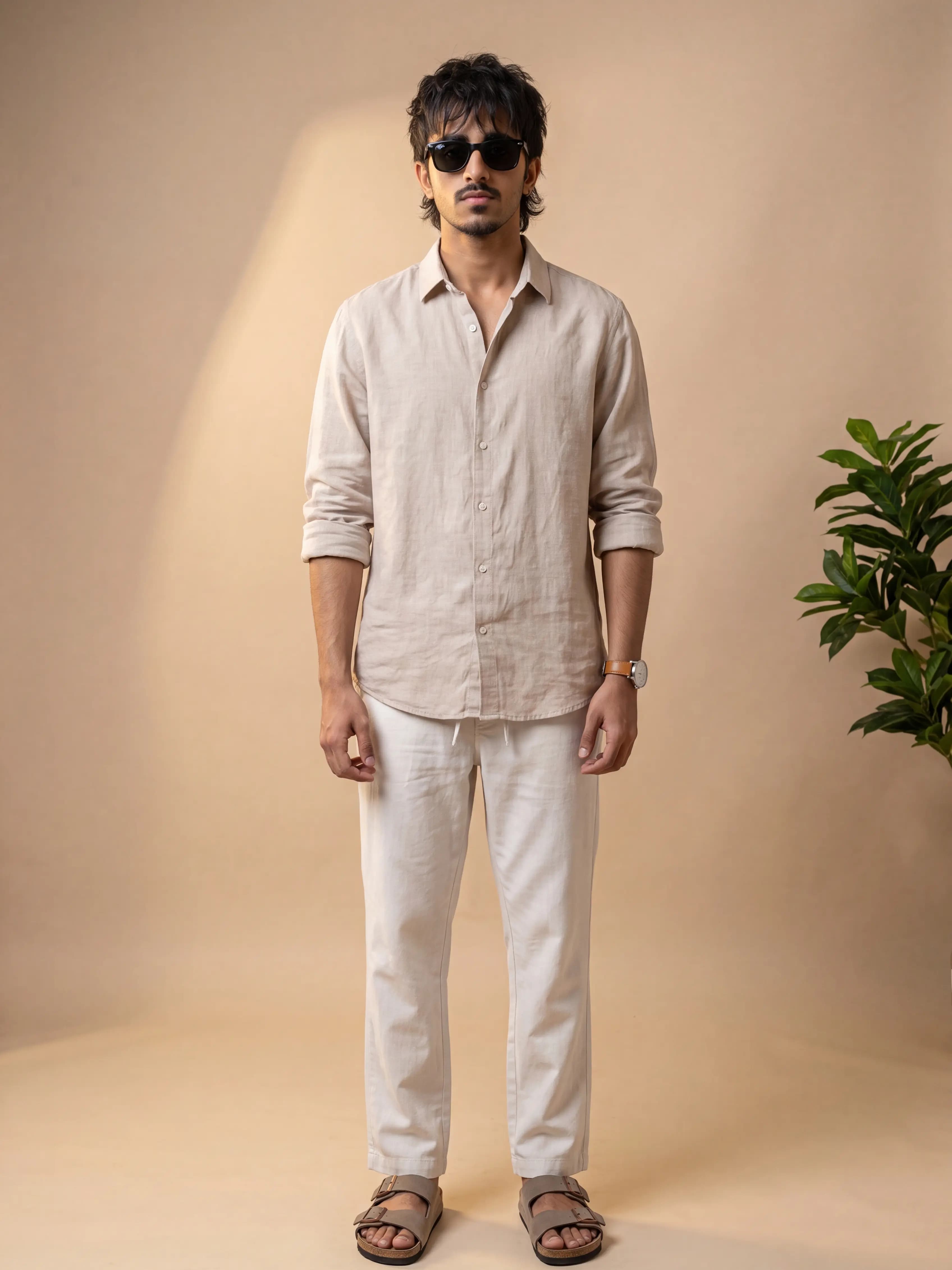
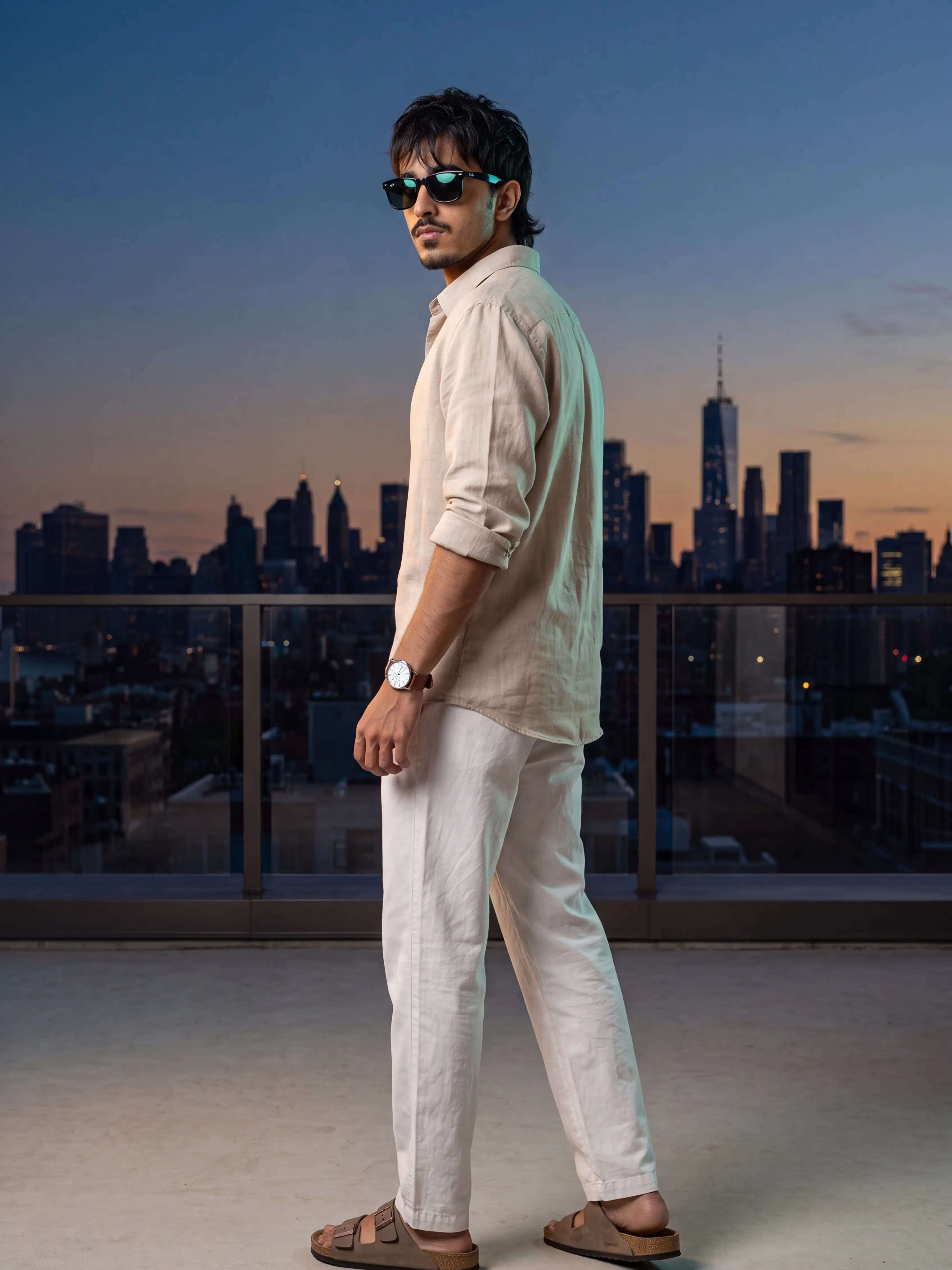
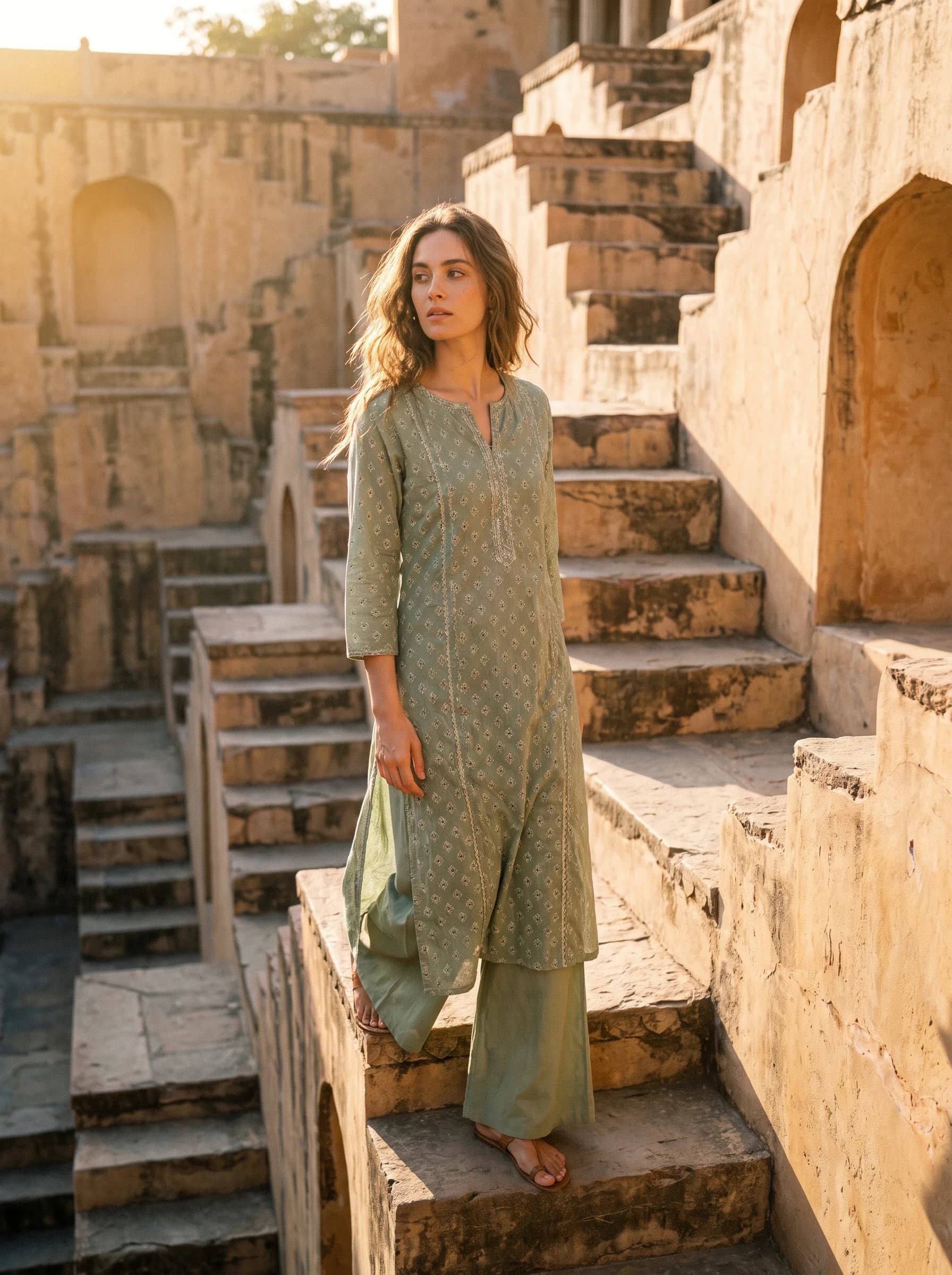
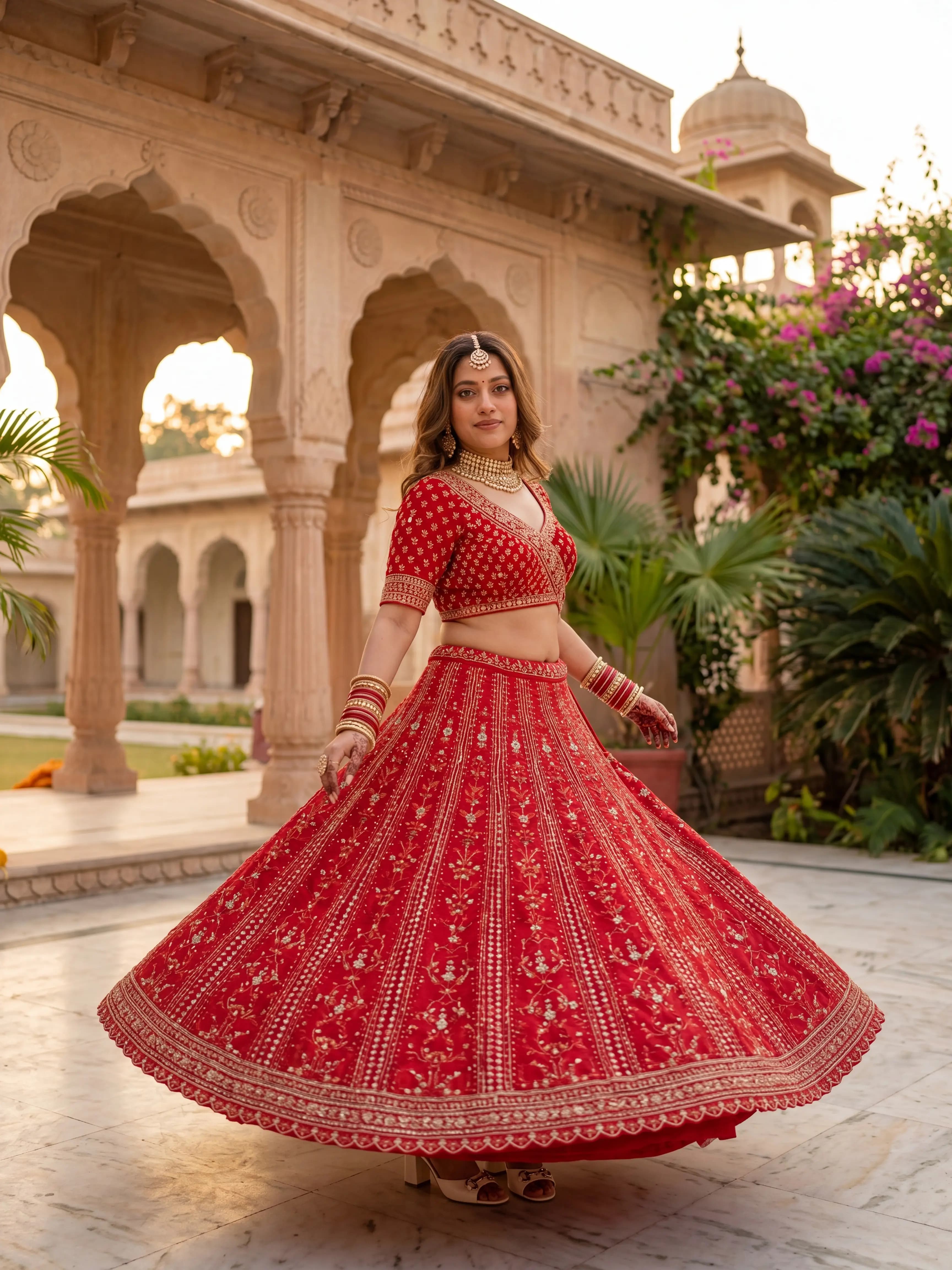
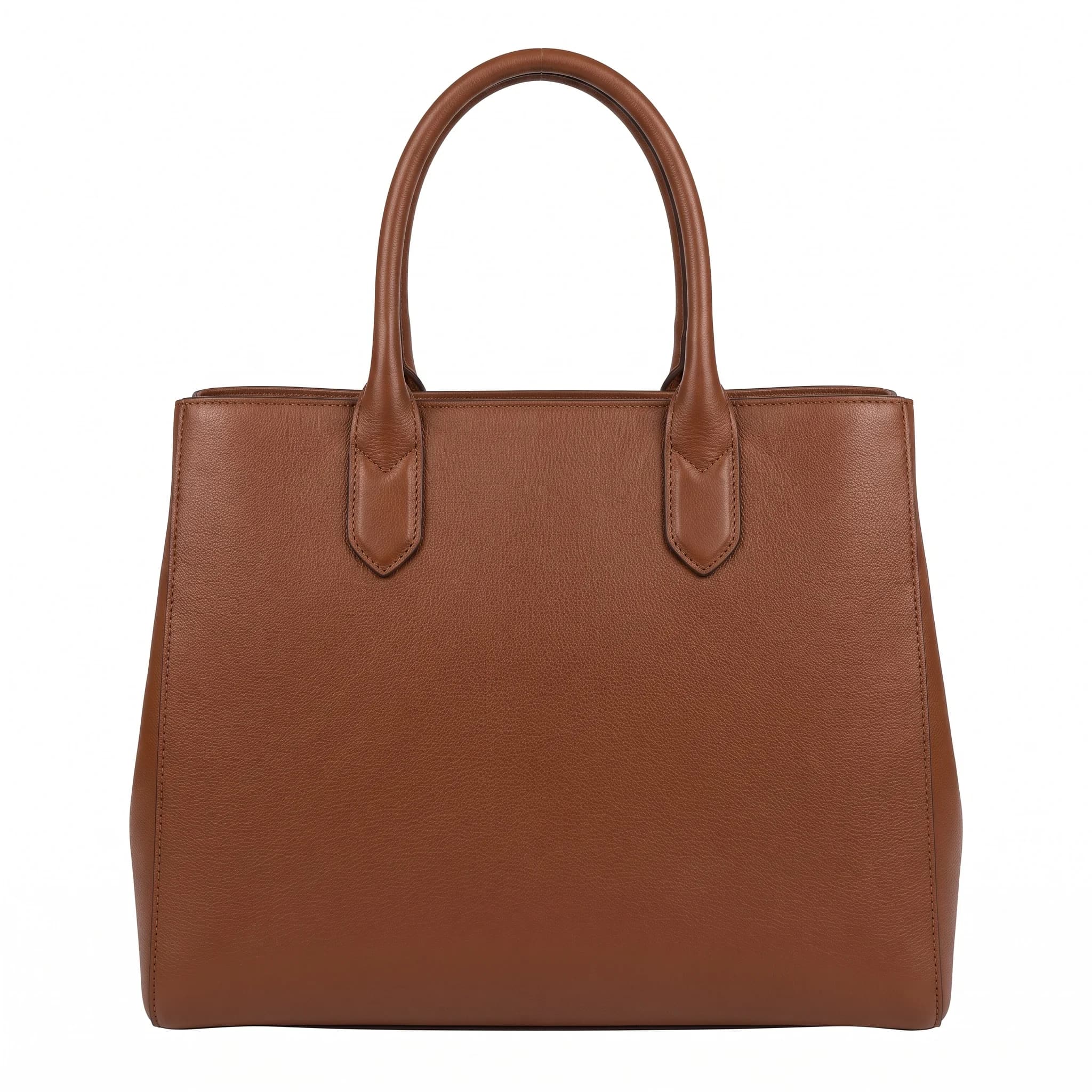
Every image below was generated from a single flat-lay or product photo.

How it works
Step 1
Upload a flat-lay or product photo to SocialShot.
Step 2
Generate on-model and studio photography.
Step 3
Export and, optionally, lay it out or add text in Canva.
Trusted by online sellers
Real numbers from stores shipping with SocialShot.
50K+
Visuals generated
30s
Turnaround vs days for a traditional shoot
$2.99
Starter plan / month (Snap, 25 credits)
4.9/5
Avg. customer rating
“Good for volume. We still retouch a few, but it's faster than a full shoot.”
Frequently asked questions
Is SocialShot a replacement for Canva?
Not exactly, they solve different problems. SocialShot generates product photography; Canva lays out and edits images. Many teams use both.
Can Canva create on-model photos from a flat-lay?
No. Canva edits and composes existing images. Generating on-model imagery from a flat-lay is what SocialShot does.
Which is better for marketplace listings?
SocialShot, because it produces compliant white-background and PDP-ready product shots directly.
Can I use both together?
Yes. Generate imagery in SocialShot, then take it into Canva for layouts or text if you want.
Related
Ready to try it on your products?
Upload one photo and see the difference for yourself in minutes.
Try SocialShot free