Use case · Colour variants
AI product colour variant photography for every SKU
A product that comes in eight colours traditionally means eight shoots, or one shoot and seven listings that reuse the wrong-colour photo. Neither is good: mismatched colour photos drive returns and erode trust.
SocialShot generates on-model or studio imagery for each colour variant from a single upload, applying the colourway to the same styled shot so every SKU has its own accurate image. Show the full range consistently without a shoot per colour.
Quick answer
SocialShot generates product photos for each colour variant of a garment from a single upload, applying the colourways to the same styled shot, so you can show a full colour range without shooting each SKU. Review each variant against the real colour before publishing.
Why sellers use SocialShot for product color variants
Every colourway covered
Generate a matching image for each colour variant instead of reusing one colour's photo across SKUs.
Consistent styling
The same pose, model, and scene carry across variants so the range looks like one set.
Accurate per variant
Each variant is rendered in its own colourway; review against the real swatch before publishing.
No shoot per colour
Skip the extra shoots a full colourway range normally requires.
Real photos win the click.
product color variants shouldn't take a studio or two weeks.
Real output, not stock
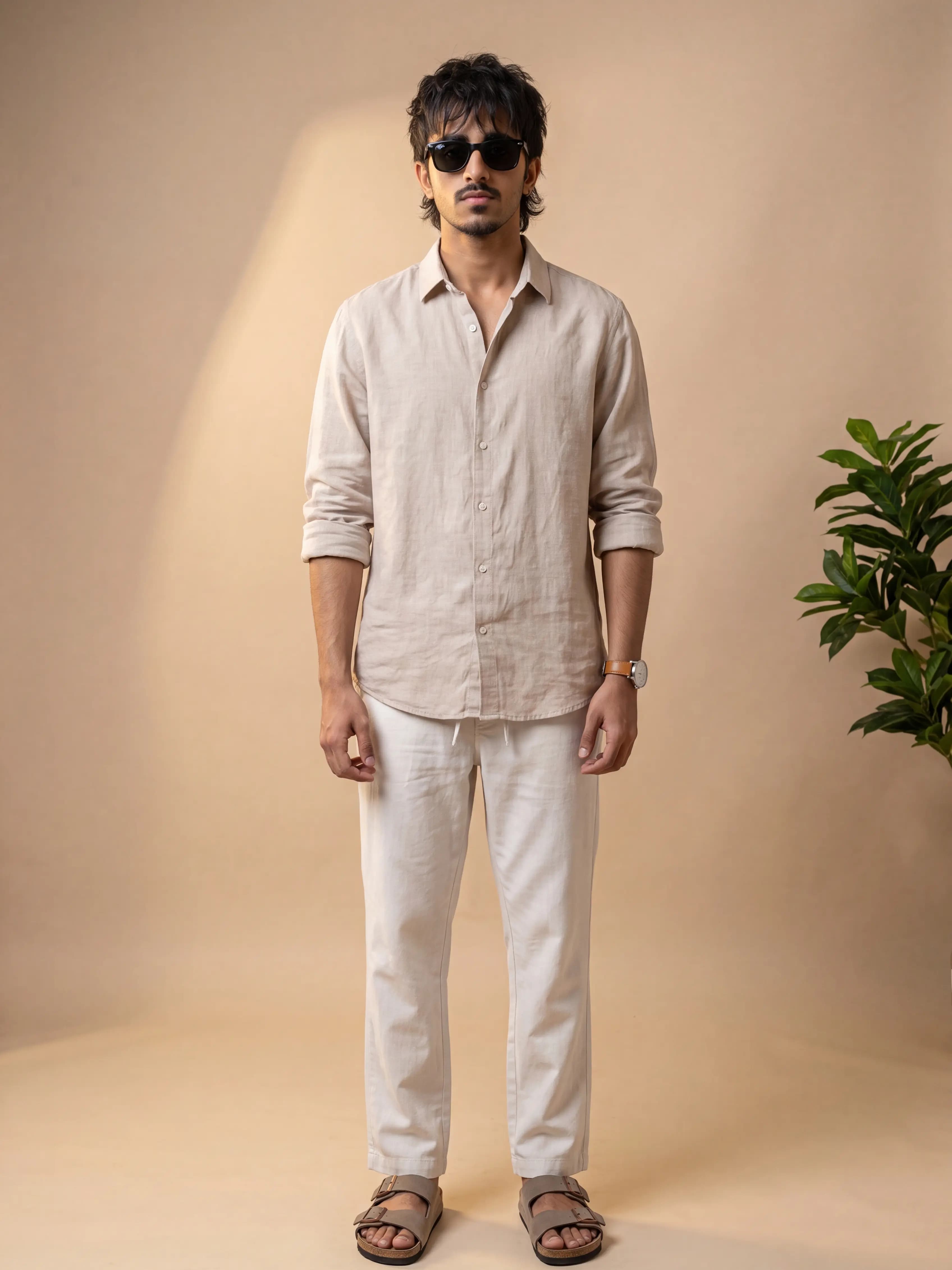
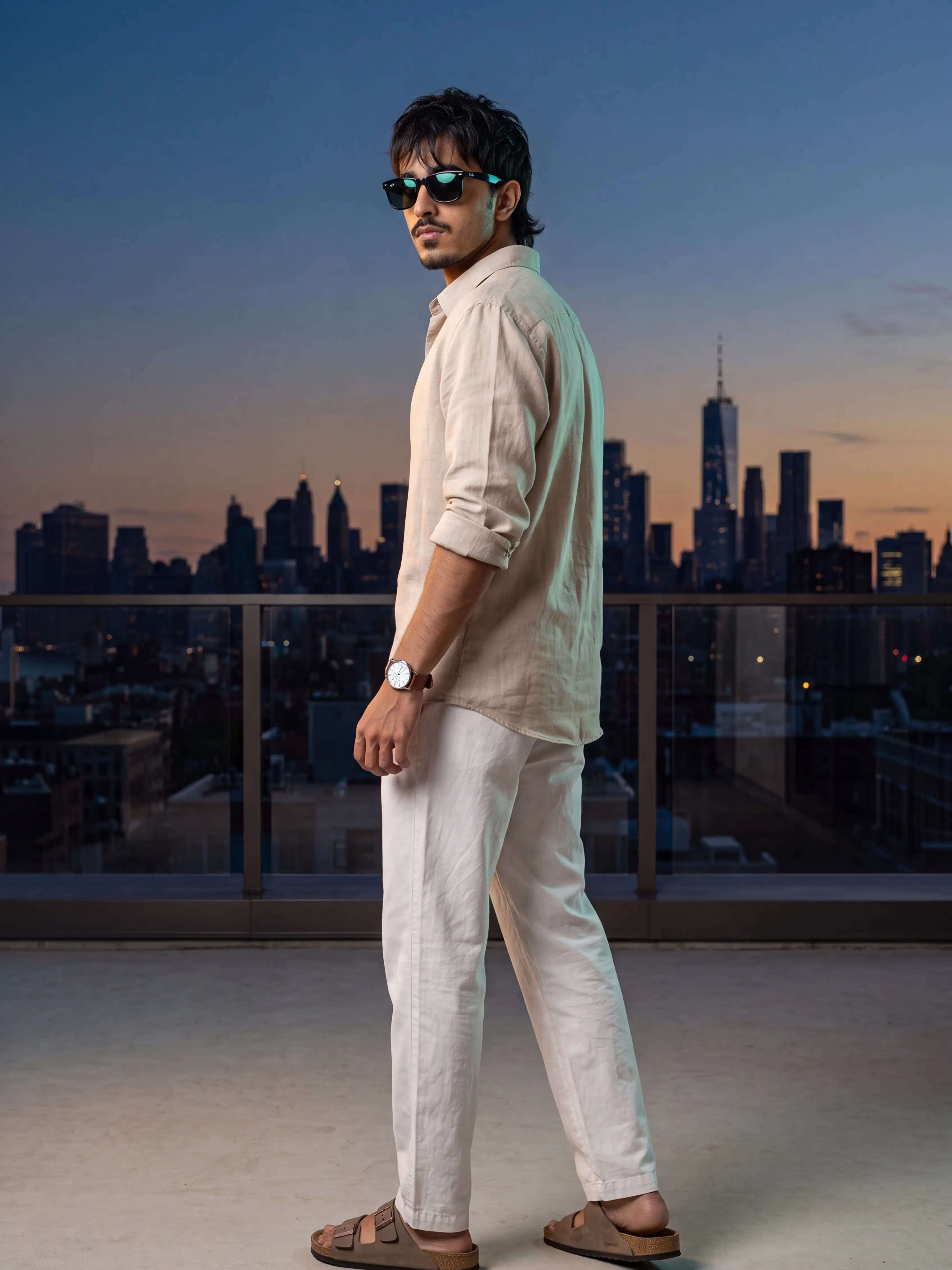
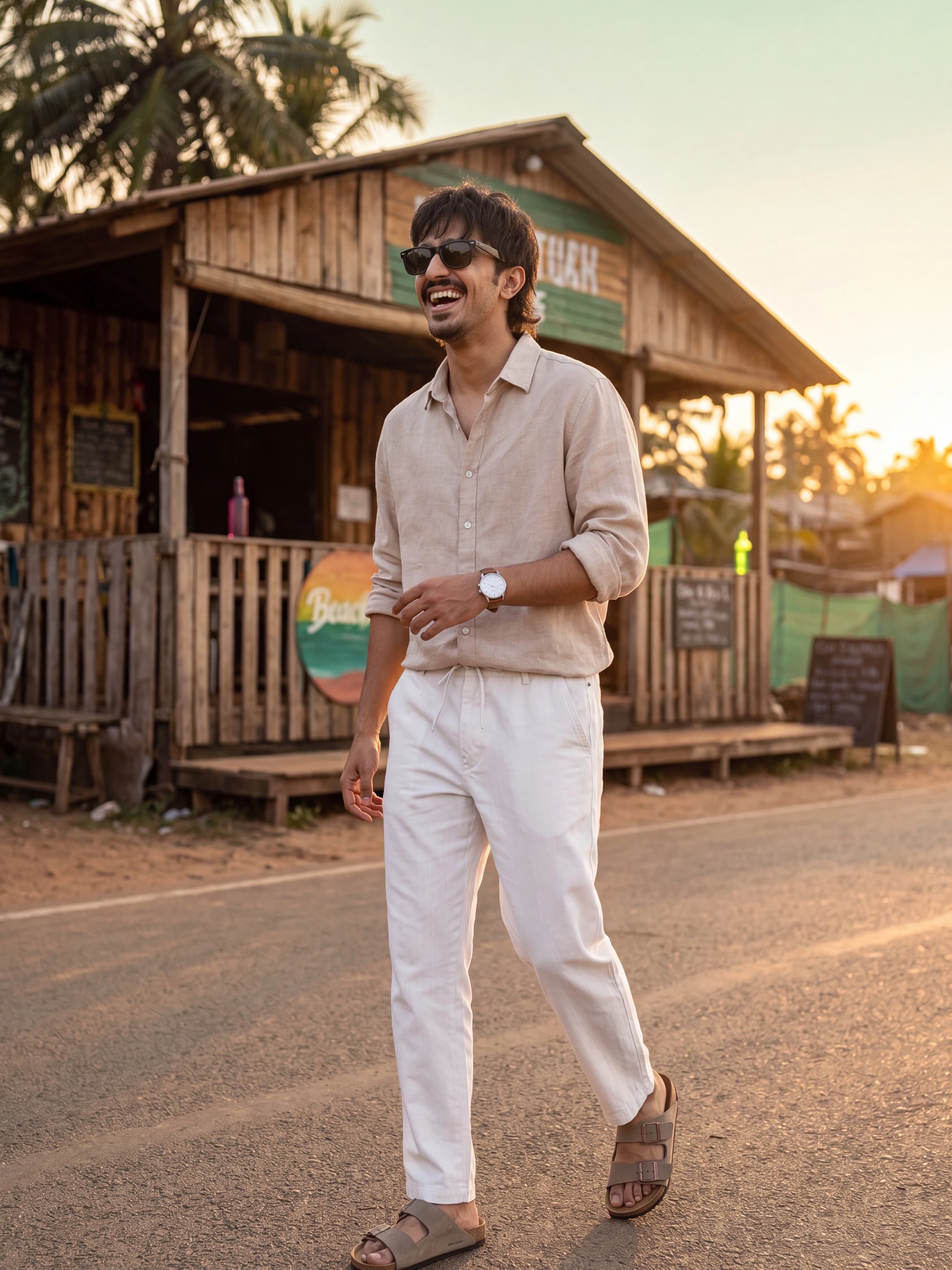
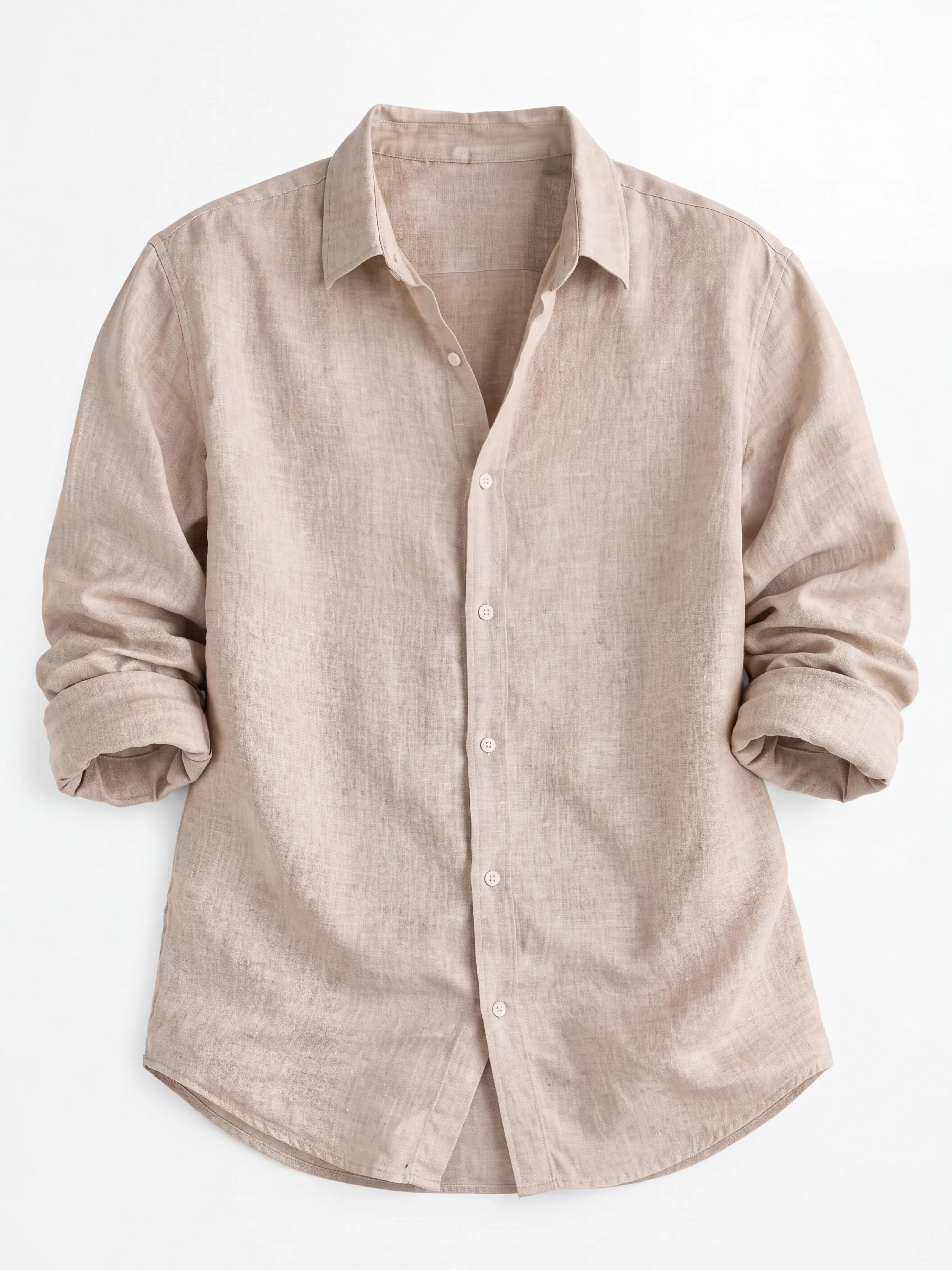
Every image below was generated from a single flat-lay or product photo.
How it works
Upload a photo of the product in one colourway.
Specify the colour variants to generate.
Generate the set, check each colour against the real swatch, and export.
Trusted by online sellers
Real numbers from stores shipping with SocialShot.
50K+
Visuals generated
30s
Turnaround vs days for a traditional shoot
$2.99
Starter plan / month (Snap, 25 credits)
4.9/5
Avg. customer rating
“Not every background is a hit, but the ones we keep look like a real catalog. Cut our photo budget a lot.”
Frequently asked questions
Can I generate every colour variant from one photo?
Yes. From a single upload you can generate a matching image for each colourway, applied to the same styled shot, so every SKU has its own image.
Will the colour be accurate?
Each variant is rendered in its specified colourway, but screen and generation colour can drift. Always check each variant against the real swatch before publishing.
Does styling stay consistent across variants?
Yes. The same pose, model, and scene carry across variants so the colour range looks like one cohesive set.
Do I need to shoot each colour?
No. The colourway range is generated from a single upload, without a shoot per colour.
Related
Ready to try it on your products?
Upload one photo and see product color variants results in minutes.
Generate colour variants