Use case · Free background remover
Free product photo background remover
Cutting out product backgrounds by hand is slow, and most free removers leave rough edges on hair, straps, and transparent materials. SocialShot removes the background from a product photo with crisp edges and drops it straight onto pure white or a styled scene.
Try it free with no card required. When you are ready to do more than one image at a time, the same workflow batches a whole catalog and turns flat-lays into on-model shots.
Quick answer
SocialShot's background remover clears the background from a product photo and gives you a clean cutout on white or a new scene. Start free with no card, then upgrade when you need to batch a full catalog or generate on-model shots.

Why sellers use SocialShot for free product photo background remover
Free to start
Remove a background with starter credits and no card, then upgrade only when you scale up.
Clean edges
Crisp cutouts even on hair, straps, and semi-transparent materials that trip up basic removers.
White or new scene
Drop the cutout onto pure white for listings or a styled studio or lifestyle backdrop.
Clear upgrade path
Move from a single image to batching a full catalog and generating on-model shots in the same tool.
Real photos win the click.
free product photo background remover shouldn't take a studio or two weeks.
Real output, not stock
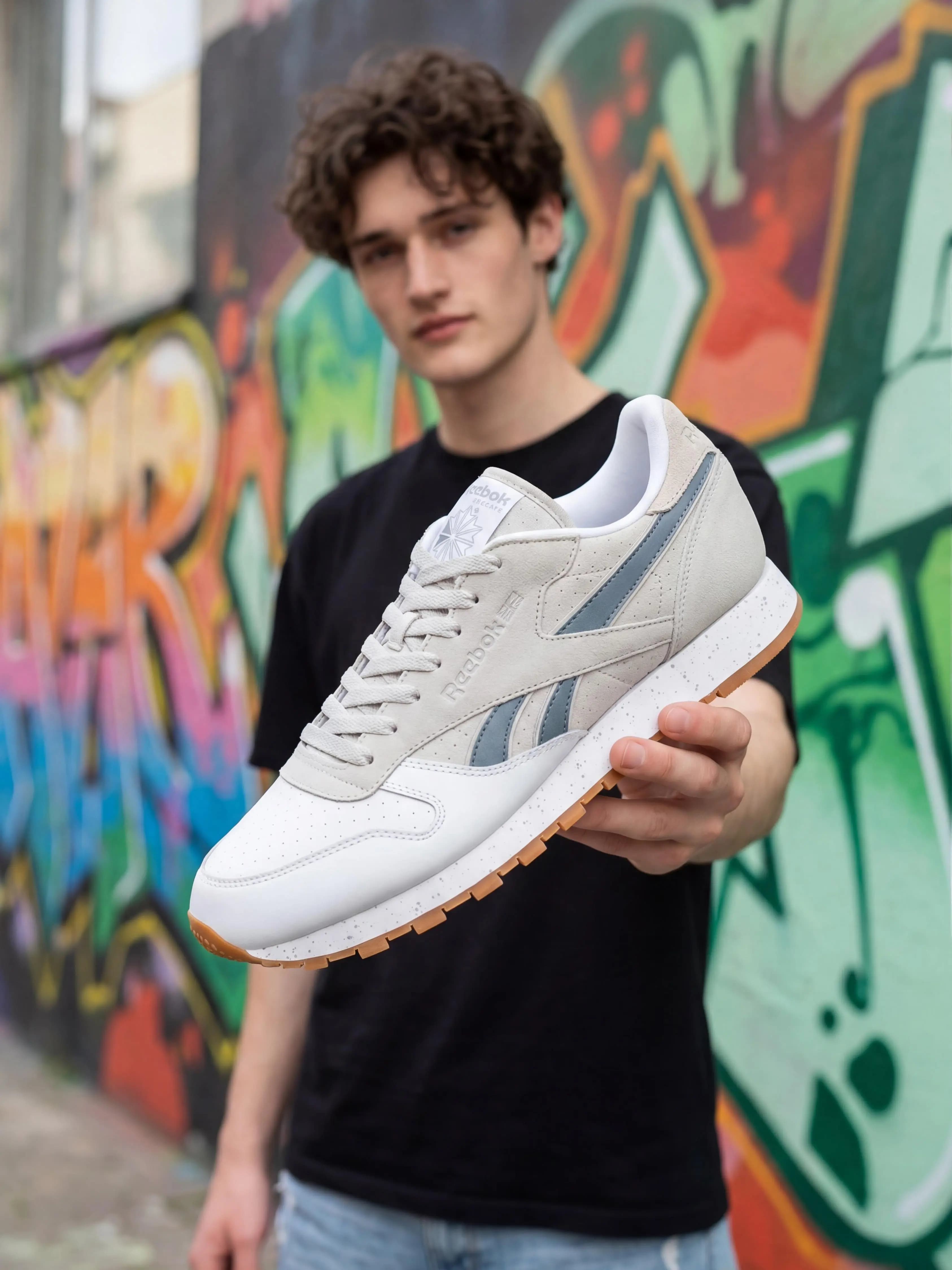
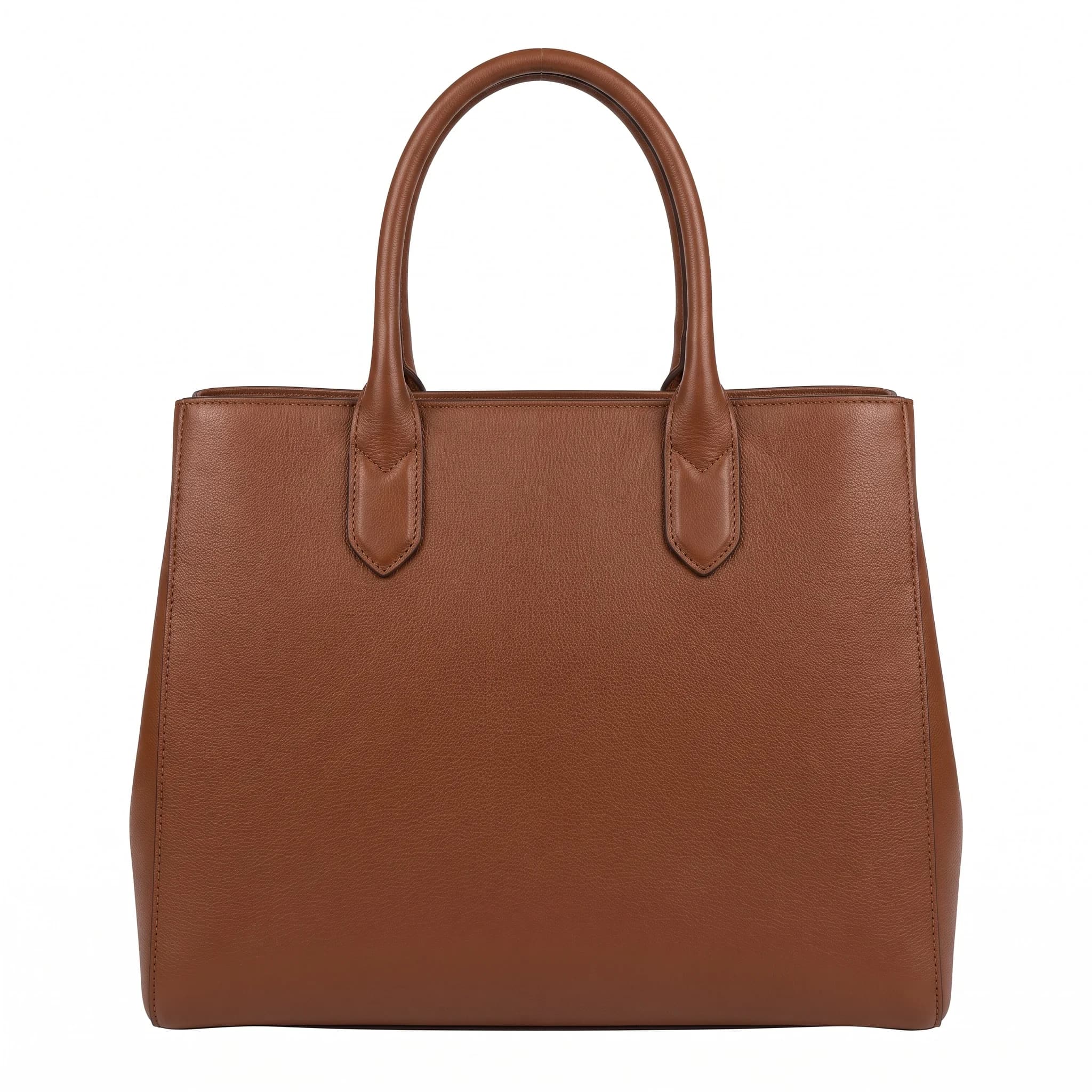
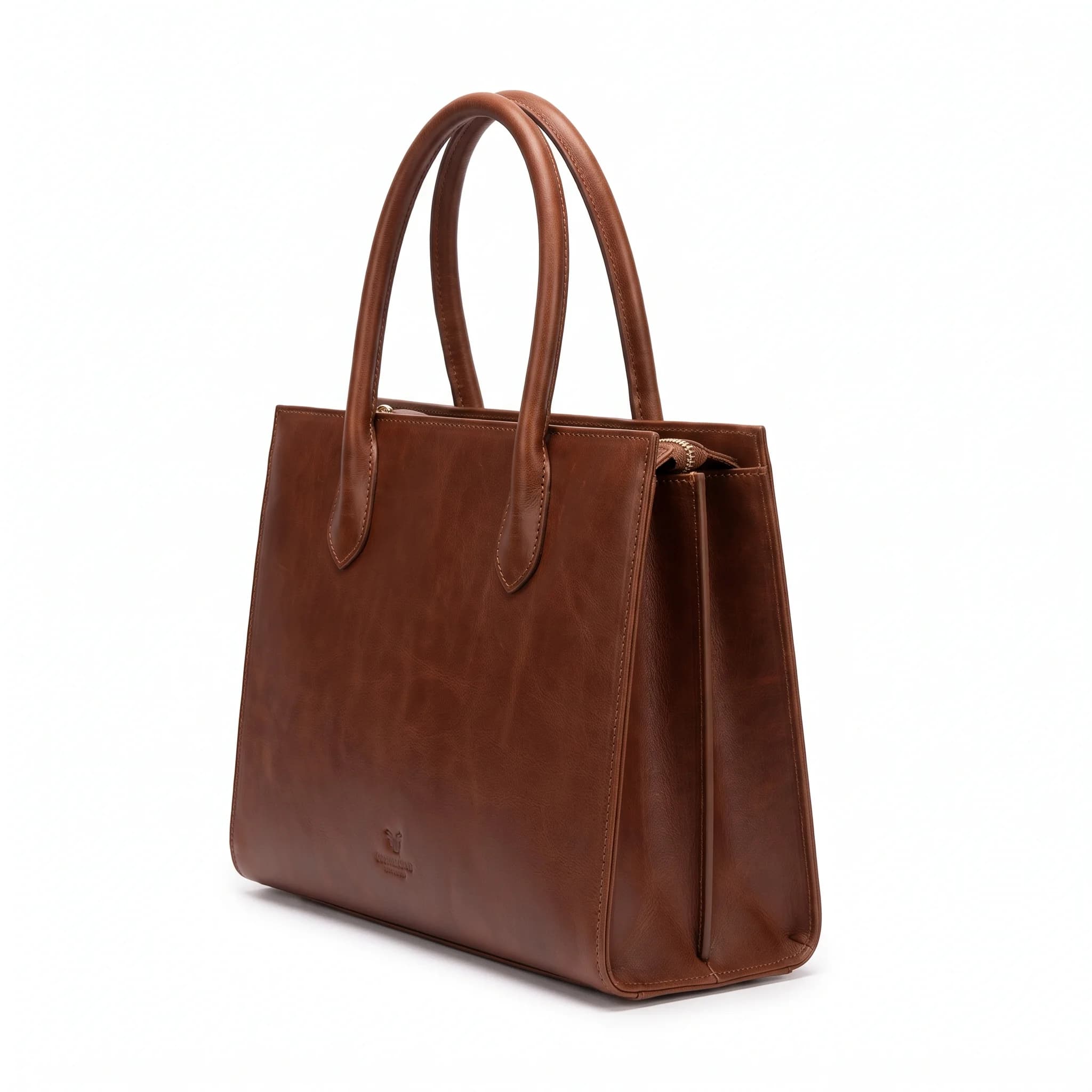
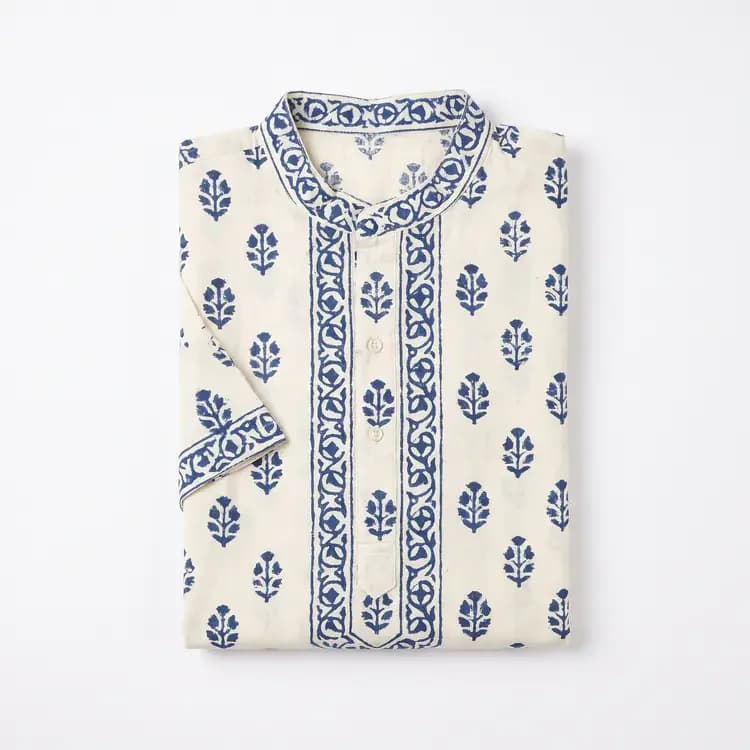
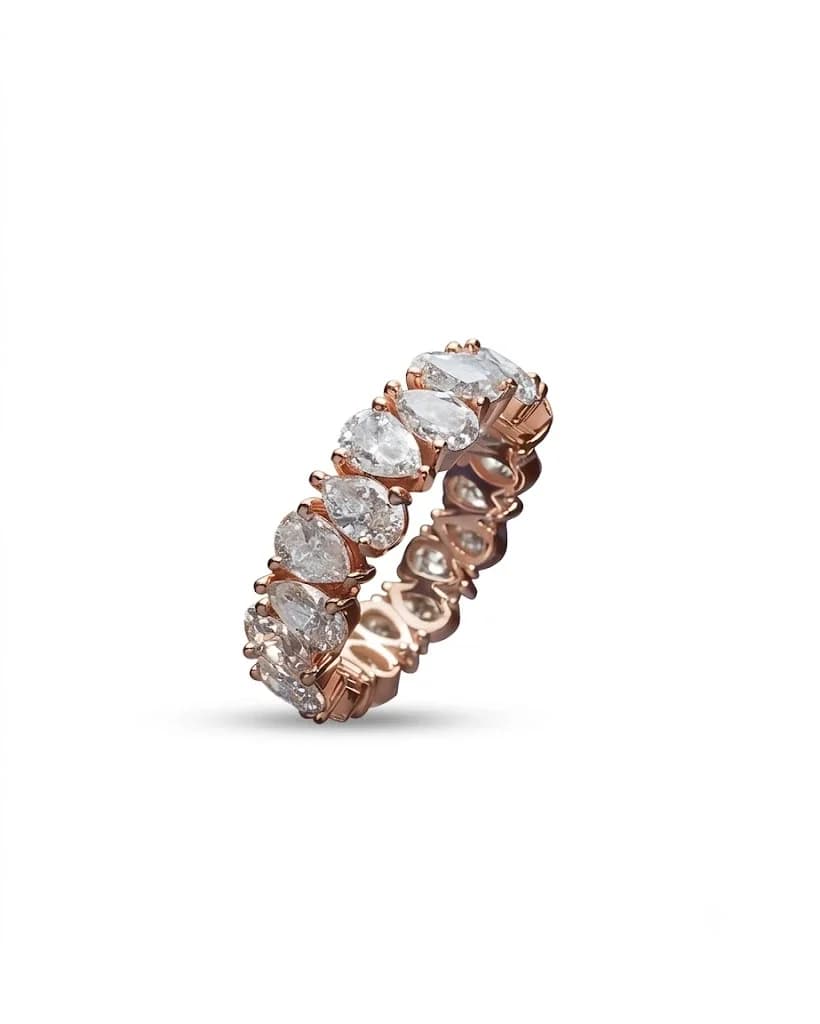
Every image below was generated from a single flat-lay or product photo.
How it works
Upload a product photo, no card needed.
Remove the background and choose white or a new scene.
Export the cutout, or upgrade to batch a catalog.
Trusted by online sellers
Real numbers from stores shipping with SocialShot.
50K+
Visuals generated
30s
Turnaround vs days for a traditional shoot
$2.99
Starter plan / month (Snap, 25 credits)
4.9/5
Avg. customer rating
“The on-model shots look close enough that we stopped booking a studio for every drop.”
Frequently asked questions
Is the background remover really free?
Yes. You can start with starter credits and no card. Upgrading is only needed when you want to batch many images or generate on-model shots.
Does it handle tricky edges like hair and straps?
Yes. Cutouts stay crisp around hair, straps, and semi-transparent materials, where most quick removers leave rough edges.
Can I put the product on a white background?
Yes. In the same step you can place the cutout on pure white for listings or on a styled studio or lifestyle scene.
What do I get if I upgrade?
Batch background removal across a whole catalog, higher-resolution exports, and the on-model and marketplace tools that share the same upload.
Related
Ready to try it on your products?
Upload one photo and see free product photo background remover results in minutes.
Remove a background free