Model · Model swap
AI model swap: change the model in a product photo
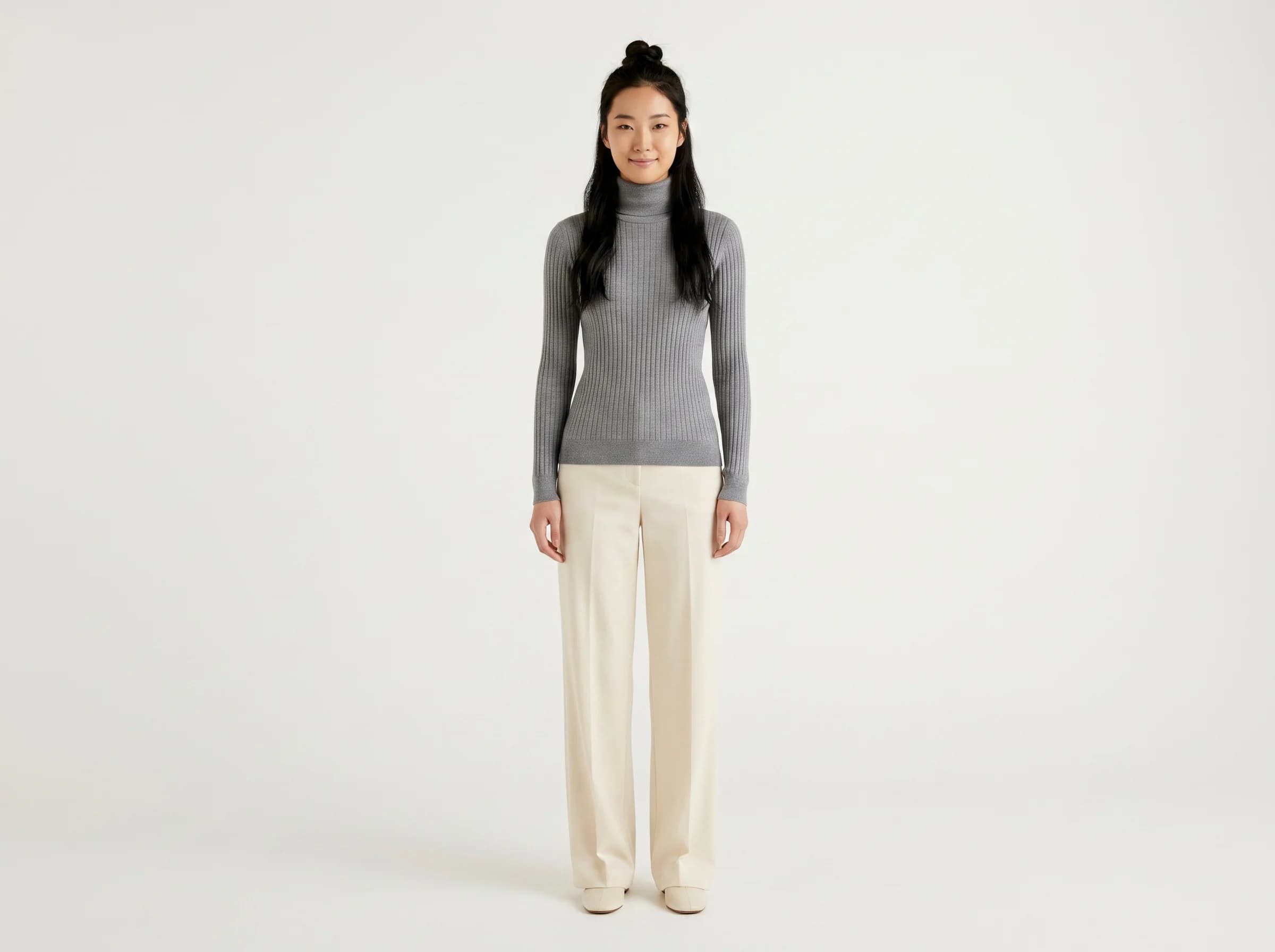
Sometimes the garment shot is fine but the model isn't, wrong look for the market, or you want the same catalog on a different persona. AI model swap changes the model while keeping the garment, so you re-shoot the look without re-photographing the product. SocialShot generates a swapped on-model image from your existing shot.
Produce the same garment on a different model type, Indian, plus-size, athletic, mature, and more, keeping print, drape, and colour faithful, ready for listings and social, without a reshoot.
Quick answer
Sometimes the garment shot is fine but the model isn't, wrong look for the market, or you want the same catalog on a different persona. AI model swap changes the model while keeping the garment, so you re-shoot the look without re-photographing the product. SocialShot generates a swapped on-model image from your existing shot.
Why sellers use SocialShot for ai model swap
Keep the garment, change the model
Swap the model in an existing on-model photo without re-photographing the product.
Re-target a market
Put the same catalog on a persona that fits a new market, region, or size range.
Garment stays faithful
Print, drape, and colour are preserved from the original shot through the swap.
No reshoot
Generate the swapped image from your existing photo, without casting or a studio day.
Real photos win the click.
ai model swap shouldn't take a studio or two weeks.
Real output, not stock
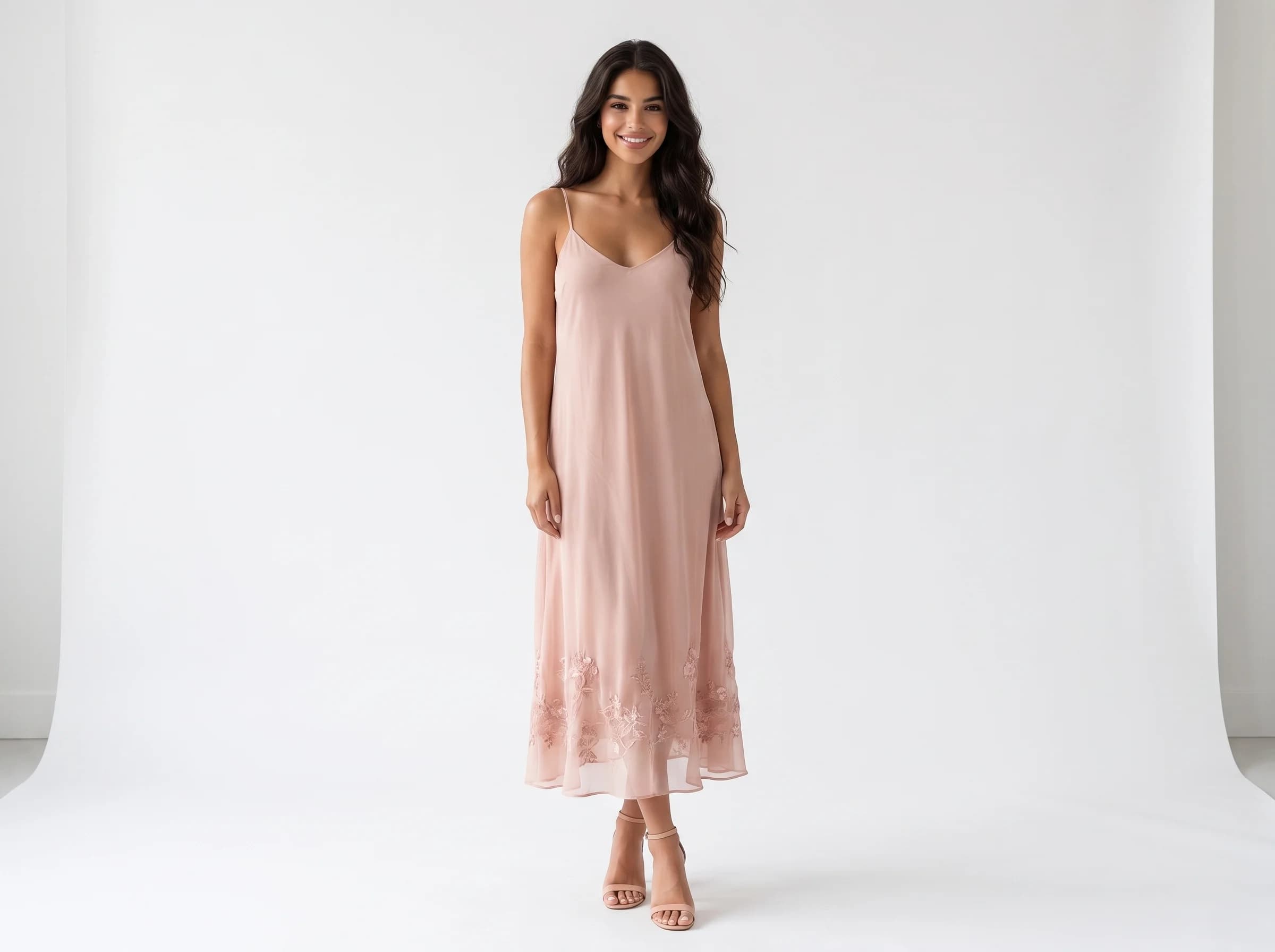
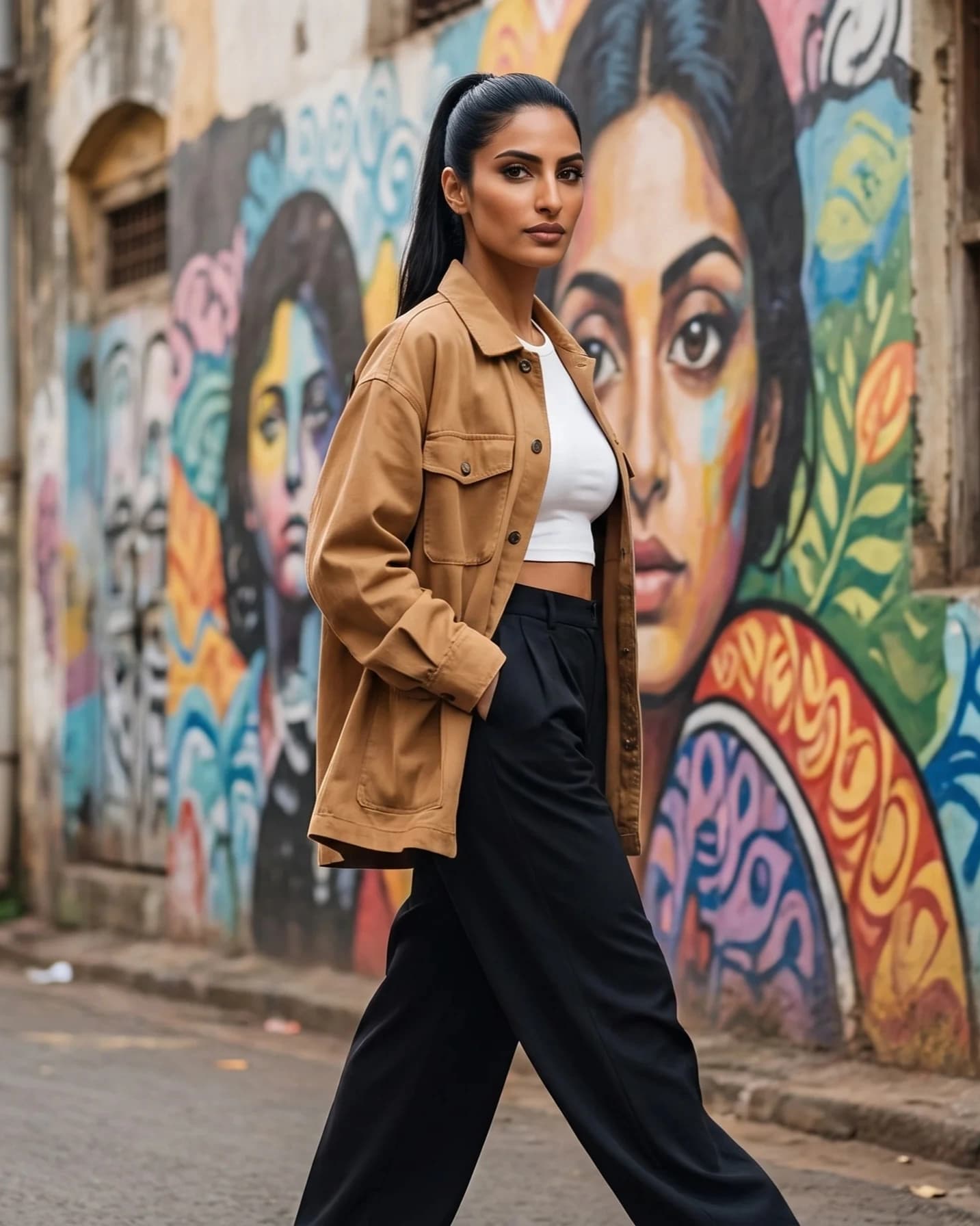
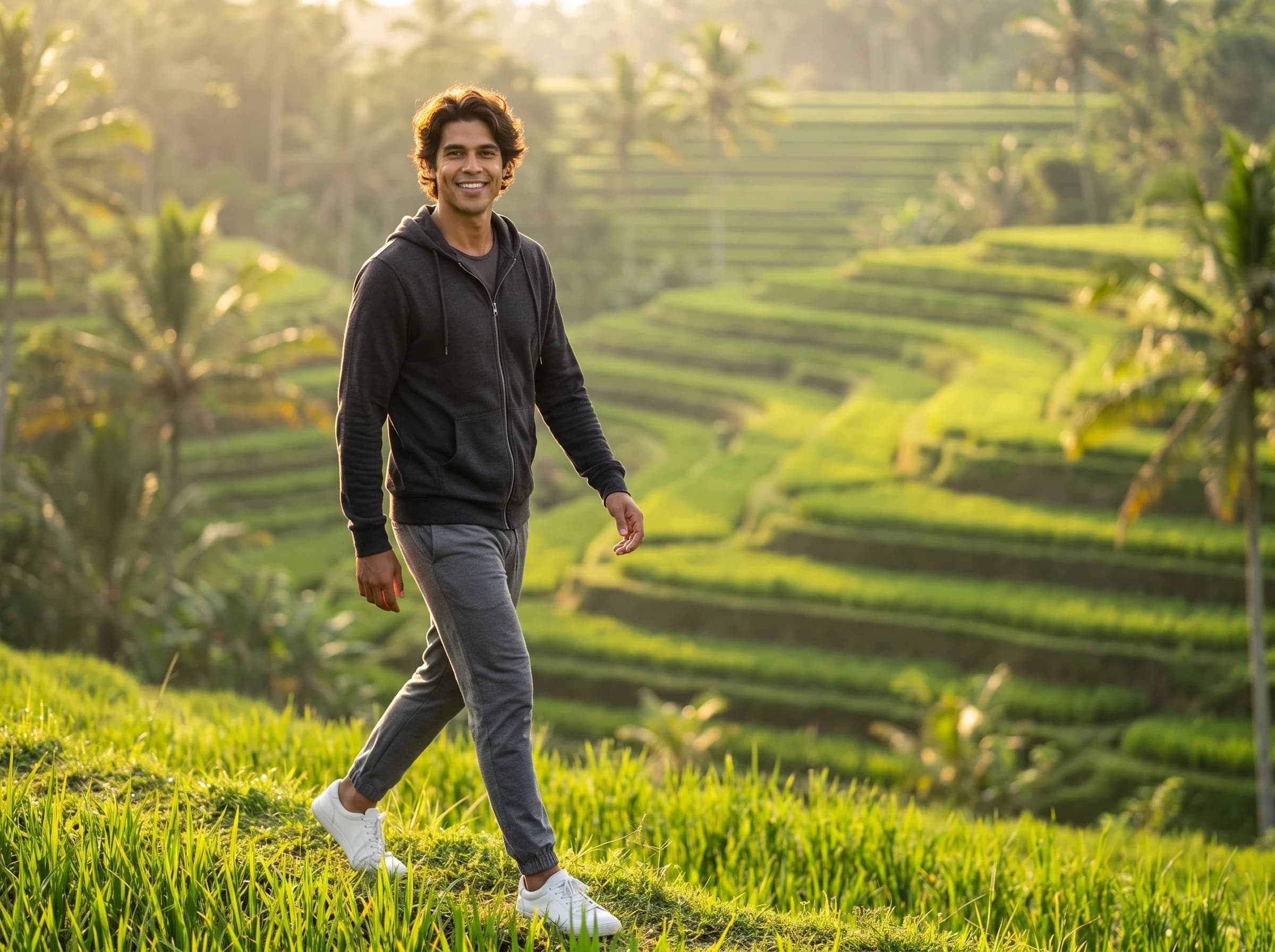
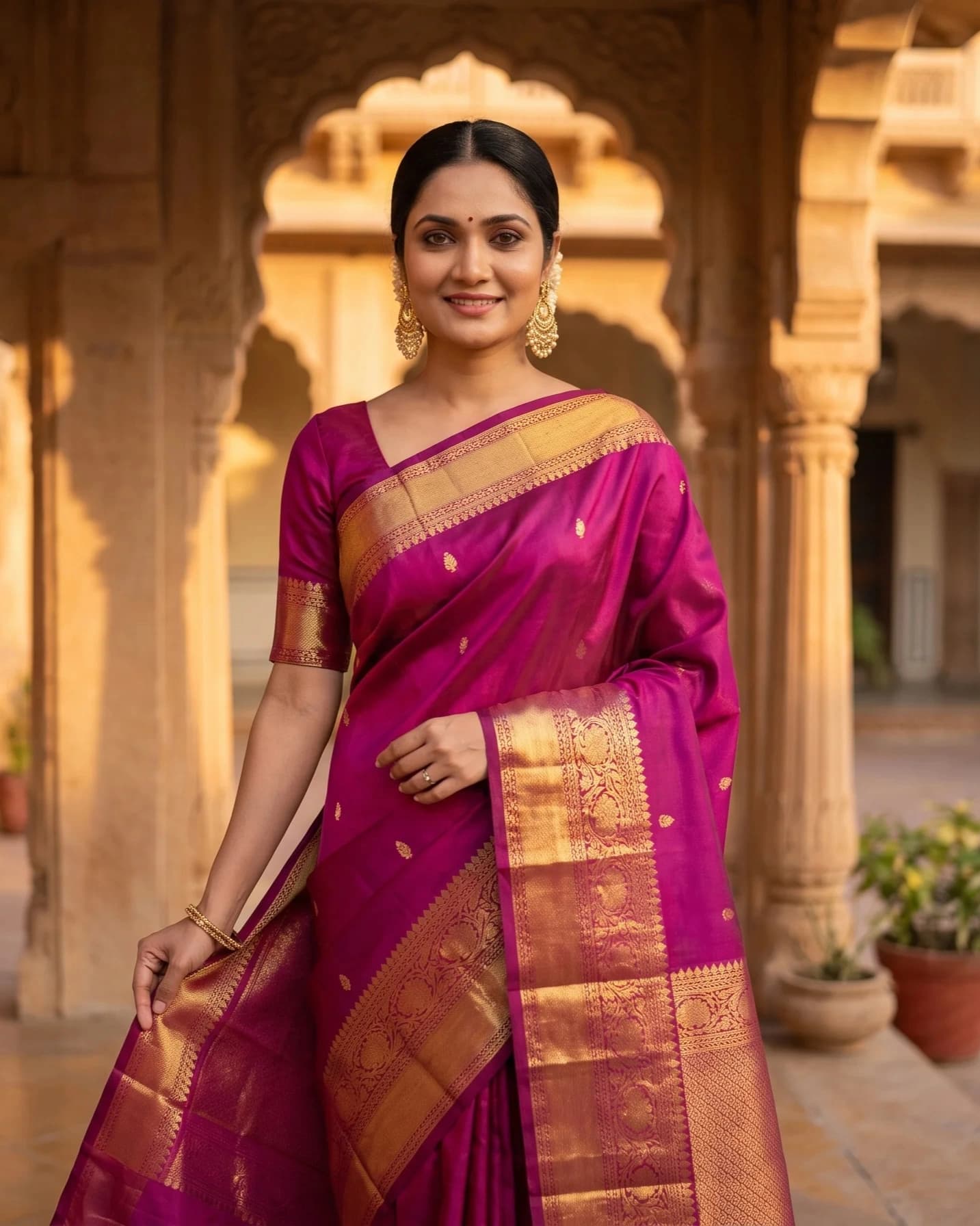
Every image below was generated from a single flat-lay or product photo.

How it works
Upload your existing on-model or product photo.
Choose the new model type, pose, and backdrop.
Generate the swapped on-model image and export.
Trusted by online sellers
Real numbers from stores shipping with SocialShot.
50K+
Visuals generated
30s
Turnaround vs days for a traditional shoot
$2.99
Starter plan / month (Snap, 25 credits)
4.9/5
Avg. customer rating
“We used to wait two weeks for a shoot. Now I upload a flat-lay and have listing photos the same morning.”
Frequently asked questions
What does AI model swap do?
It changes the model in an existing on-model photo while keeping the garment, so you can re-shoot the look on a different persona without re-photographing the product.
Will the garment stay accurate through the swap?
Print, drape, and colour are preserved from the original shot. Review the swapped result before publishing.
Which model types can I swap to?
Any persona in the model library, including Indian, plus-size, petite, athletic, and mature looks.
Why swap the model instead of reshooting?
It re-targets a catalog to a new market, region, or size range in minutes, without the cost of a fresh shoot.
Do I need a studio?
No. The swapped image is generated from your existing photo, without casting or a studio day.
Related
Ready to try it on your products?
Upload one photo and see ai model swap results in minutes.
Swap the model with AI