Multi-Brand Content Operations: Managing 20+ Client Brand Identities Without Asset Bleed
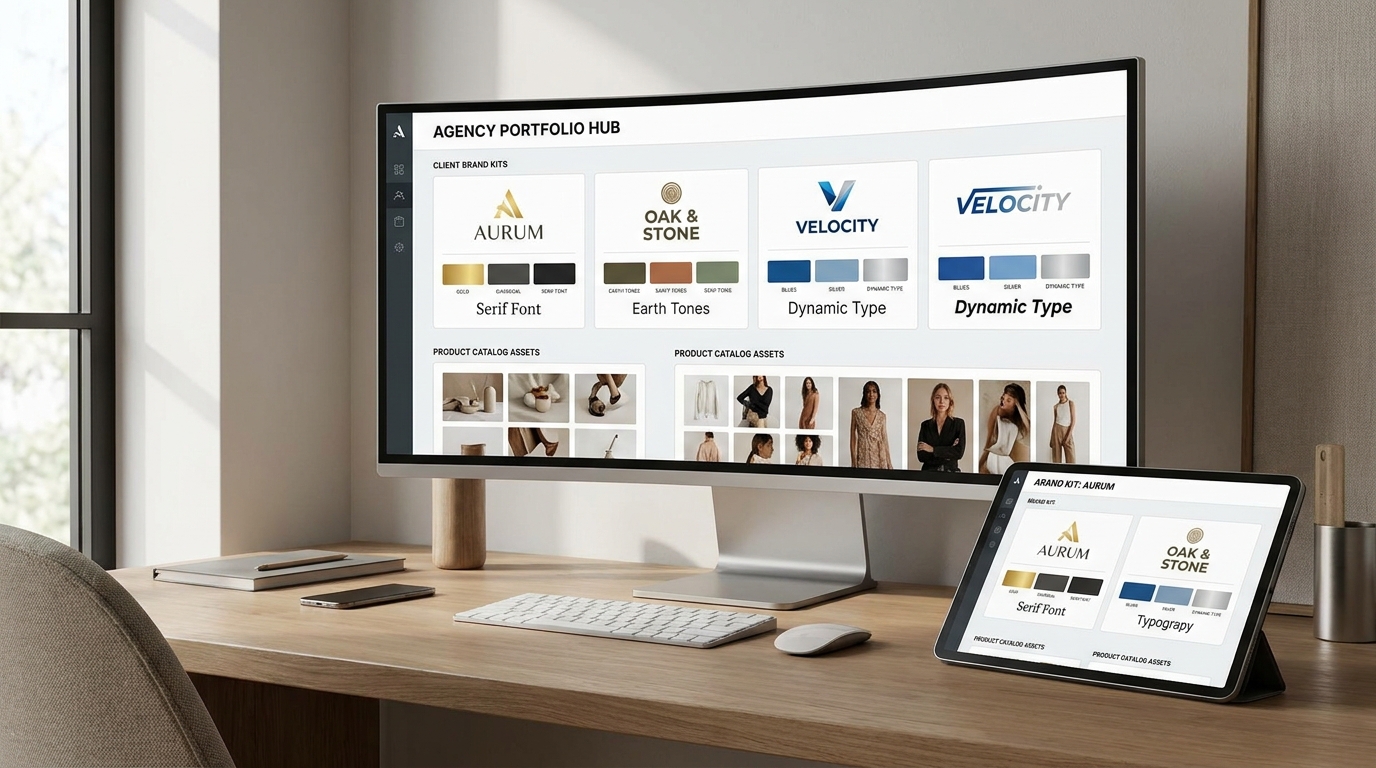
The Agency Asset Bleed Nightmare: Why Shared Folders Fail
In fast-paced digital agencies, creative teams handle multiple client accounts simultaneously. A junior designer working on a high-end French luxury skincare line in the morning switches to an athletic streetwear brand in the afternoon.
When agencies rely on loose Google Drive folders, shared Figma canvases, or generic consumer AI tool logins, catastrophic cross-contamination occurs. Prompts bleed across accounts, unreleased product imagery gets saved into the wrong client folder, and exclusive visual aesthetics are accidentally duplicated across competing clients.
Enterprise brands demand strict data segregation and IP protection. To scale without risking multimillion-dollar non-disclosure agreement (NDA) breaches, agencies must deploy segregated workspace environments like SocialShot for Agencies.
Comparing Multi-Client Asset Governance Architecture
Examine how traditional shared drives, project management tools, and specialized AI multi-brand workspaces handle client security and creative velocity:
| Governance Dimension | Shared Cloud Drives (Google Drive / Dropbox) | Design PM Tools (Asana / Monday) | SocialShot Multi-Brand Workspace |
|---|---|---|---|
| Brand DNA Segregation | Manual folder sorting (high human error) | Task metadata only (no generation control) | 100% cryptographic tenant isolation |
| Virtual Model Exclusivity | Models shared across agency roster | Not supported | Client-locked dedicated virtual models |
| Brand Kit & Pantone Enforcement | Manual visual inspection | Static PDF brand guidelines | Automated parameter-locked presets |
| Client Review & Approvals | Messy email attachments / Figma links | Generic comment threads | White-label client approval portals |
| New Client Onboarding Speed | 2 to 3 weeks setup | 1 to 2 weeks setup | Under 1 hour brand kit calibration |
The 4 Pillars of Secure Multi-Brand AI Operations
Managing visual creative for multiple brands requires four structural isolation layers embedded directly into the production platform:
- Dedicated Client Brand DNA Containers: Each client workspace locks unique hex color palettes, typography guidelines, approved architectural backgrounds, and negative prompt guardrails.
- Exclusive Virtual Model Rosters: Ensures virtual models created for an apparel client remain strictly isolated to that specific brand workspace, preventing likeness leakage across accounts.
- Role-Based Access Control (RBAC): Assign granular team permissions (e.g., Media Buyer, Creative Director, Client Approver) to ensure team members only access their assigned client accounts.
- Automated Taxonomy & SKU Categorization: Automatically prefixes exported assets with client-specific SKU codes, aspect ratios, and campaign tags, eliminating file misplacement.

Standard Operating Procedure (SOP) for Onboarding New Agency Clients
Leading creative operations teams follow a standardized 3-step onboarding protocol to spin up new brand environments in under 60 minutes:
- Phase 1: Ingest Brand Assets & Style Rules: Upload client logos, Pantone color codes, uncompressed packshots, and existing high-performing ad creative benchmarks.
- Phase 2: Calibrate Bespoke Virtual Brand Models: Define recurring brand personas matching the client's target customer demographics (age, ethnicity, body archetype, hair styling).
- Phase 3: Deploy Automated Batch Templates: Configure pre-approved staging presets (e.g., 'Modern Terrazzo Bath' or 'Urban Downtown Loft') for instant one-click asset generation.
How do agencies prevent client creative assets from mixing together in AI tools?
By using enterprise multi-tenant platforms like SocialShot for Agencies, every client has a completely isolated workspace where brand kits, product packshots, virtual models, and generated assets cannot be accessed by other client workspaces.
Can an agency create exclusive virtual models for specific clients?
Yes. SocialShot allows you to generate bespoke virtual brand models and lock them exclusively to one client's workspace, preventing competing clients from using the same model likeness.
How many client brands can an agency manage inside SocialShot?
SocialShot for Agencies supports unlimited client brand profiles, allowing agencies to scale from 5 to 50+ clients without software fragmentation.
Can clients review and approve generated creatives directly?
Yes. Agencies can generate unbranded, white-label client preview links where clients can review, comment, and approve creative batches without seeing the agency's backend prompts.
How does multi-brand asset isolation protect agency client NDAs?
Cryptographic tenant isolation guarantees that client images, prompts, and product designs are stored in segregated database partitions, ensuring strict compliance with enterprise confidentiality agreements.
Can agencies assign specific designers to specific client accounts?
Yes. Role-based access control allows agency administrators to assign team members exclusively to the accounts they manage, restricting access to unassigned client accounts.
Manage Multiple Client Brands with Zero Asset Bleed
Protect client confidentiality and scale dozens of brand accounts seamlessly. Organize your agency's creative operations with SocialShot for Agencies.